Private Tournaments
Create invitation-only competitions, challenge friends across up to three games, and follow private standings.
Overview
Private Tournaments let you organize an invitation-only competition for your friends. Choose up to three supported leaderboard games, set the competition schedule, and share the generated invitation code with the players you want to challenge.
Only tournament members can view its overall and per-game standings.
Where to Find Private Tournaments
Private Tournaments are tied to your AtGames account and are available from:
- the Private Tournaments section of the AtGames website;
- Leaderboards → Private Tournaments in Legends Access App.
Sign in to the same AtGames account on either platform to see the tournaments you created or joined.
Use Private Tournaments from your Legends device
Legends Access lets you create, join, and follow Private Tournaments directly from a compatible Legends device. Learn more about Legends Access App.

Create, join, and view your private tournaments from the AtGames website.

Review overall rankings or switch between individual game standings.
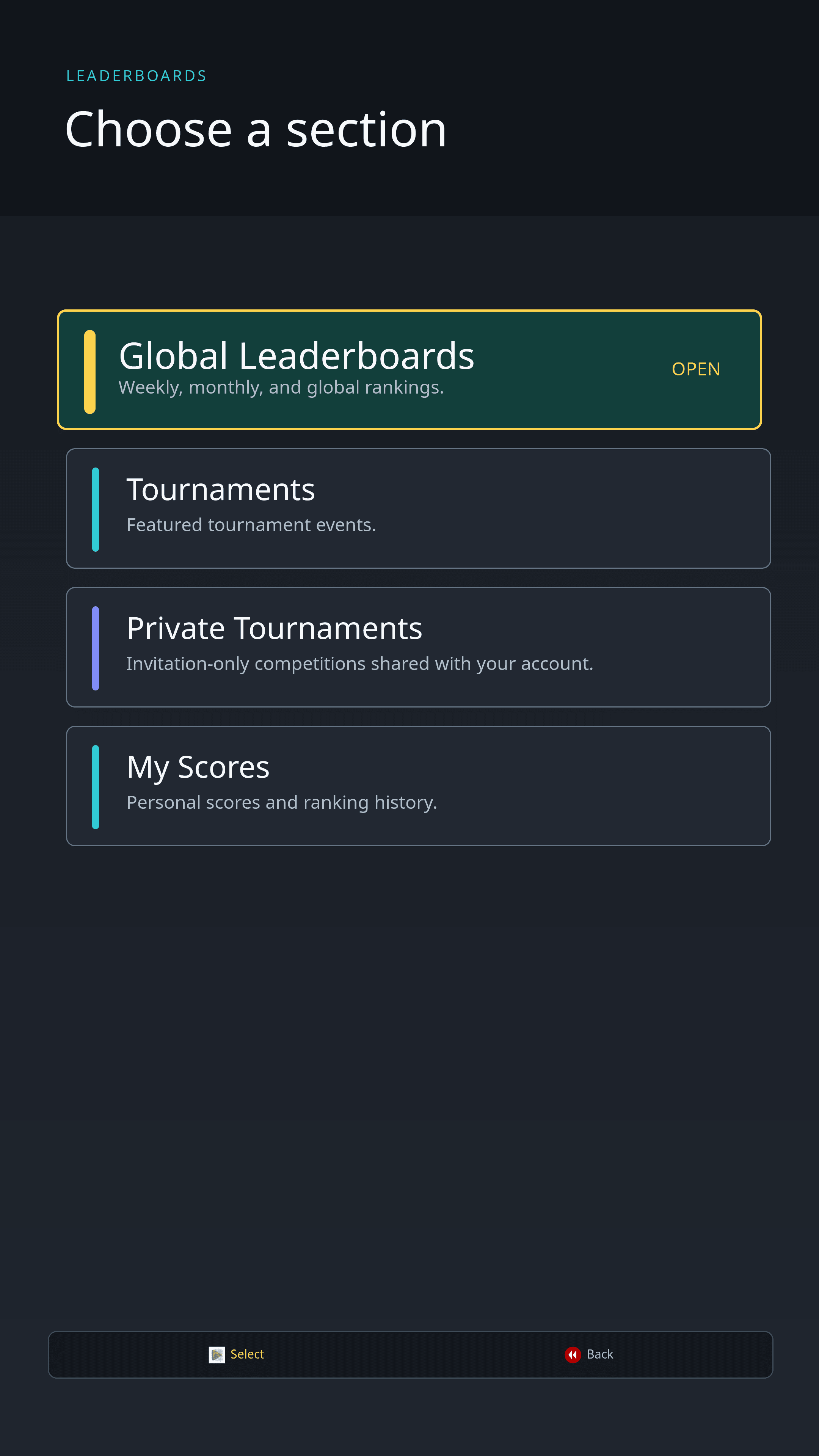
Open Leaderboards and choose Private Tournaments in Legends Access App.
Create a Private Tournament
- Open Private Tournaments and select Create Tournament.
- Enter a tournament name and an optional description.
- Choose the start time, end time, and time zone.
- Select one, two, or three supported leaderboard games.
- Create the tournament and share its invitation code.

Enter the tournament details, set its schedule, and choose up to three games.
Participation and creation limits
You can participate in up to three active or upcoming private tournaments at a time. This total includes tournaments you joined and tournaments you created. You can have one active or upcoming tournament that you created at a time.
Join with an Invitation Code
Open Private Tournaments, select Join with Code, and enter the code shared by a tournament member. Invitation codes are not case-sensitive.
After joining, the tournament appears in your private tournament list and you can open its member-only standings.
Standings
Each tournament provides:
- an Overall ranking calculated across all tournament games;
- a separate ranking for each selected game;
- its current status, schedule, and member-only details.
Every member can open the tournament details and share its invitation code.
End a Tournament
The tournament creator can end an active tournament before its scheduled end time. Existing scores and standings remain available, but the tournament stops accepting new activity.
Ending a tournament cannot be undone
Confirm the standings before ending a tournament. Once ended, the competition cannot be reopened.