Legends Access App
Manage your AtGames account, shop AppStoreX™, install purchases, and explore leaderboards and tournaments directly on compatible Legends devices.
Overview
Legends Access is a free app distributed through AppStoreX™ that runs directly on compatible AtGames arcade devices. It brings your AtGames account, AppStoreX™ catalog and downloads, global leaderboards, public and private tournaments, personal scores, and messages together in one controller-friendly experience.
Sign in before launching the app
Legends Access uses the AtGames account session already active on your device. You must sign in from the device's main menu before launching Legends Access to use all features. The app does not have a separate sign-in screen.
Compatible Devices
Legends Access is currently available on:
- Legends Pinball HDP (ALP2)
- Legends Pinball 4KP
Support for other compatible Legends devices is planned for a future update.
Getting Started
Legends Access is free to download and use, while games, applications, and subscriptions sold through AppStoreX™ retain their listed prices.
Before opening the app, make sure:
- your compatible device is connected to the internet;
- you are signed in to your AtGames account from the device's main menu.
To install Legends Access:
- Open AppStoreX™ on a compatible device.
- Search for AtGames Legends Access.
- Download and install the app.
Features
Leaderboards
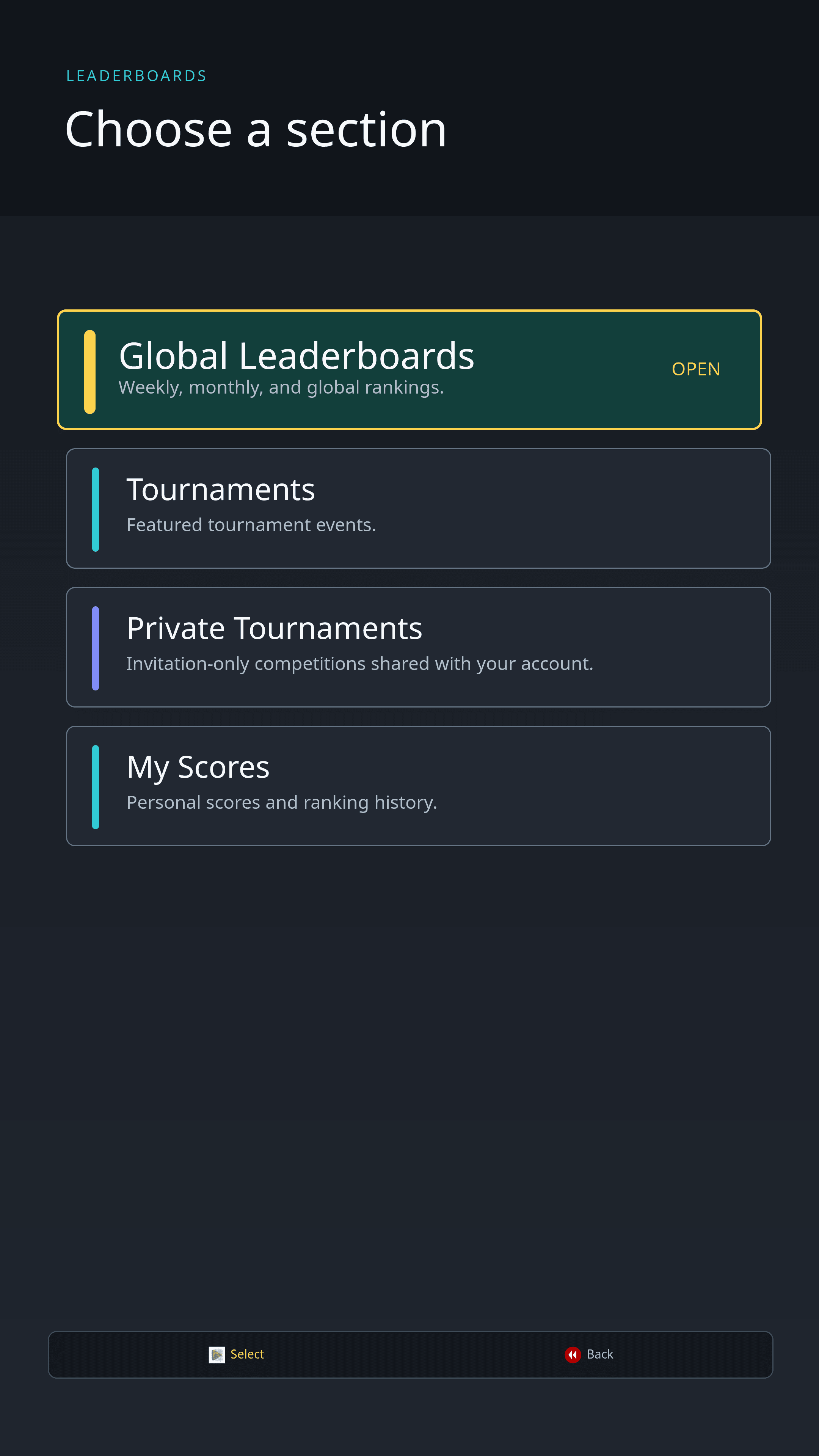
The Leaderboards hub brings several competitive views together:
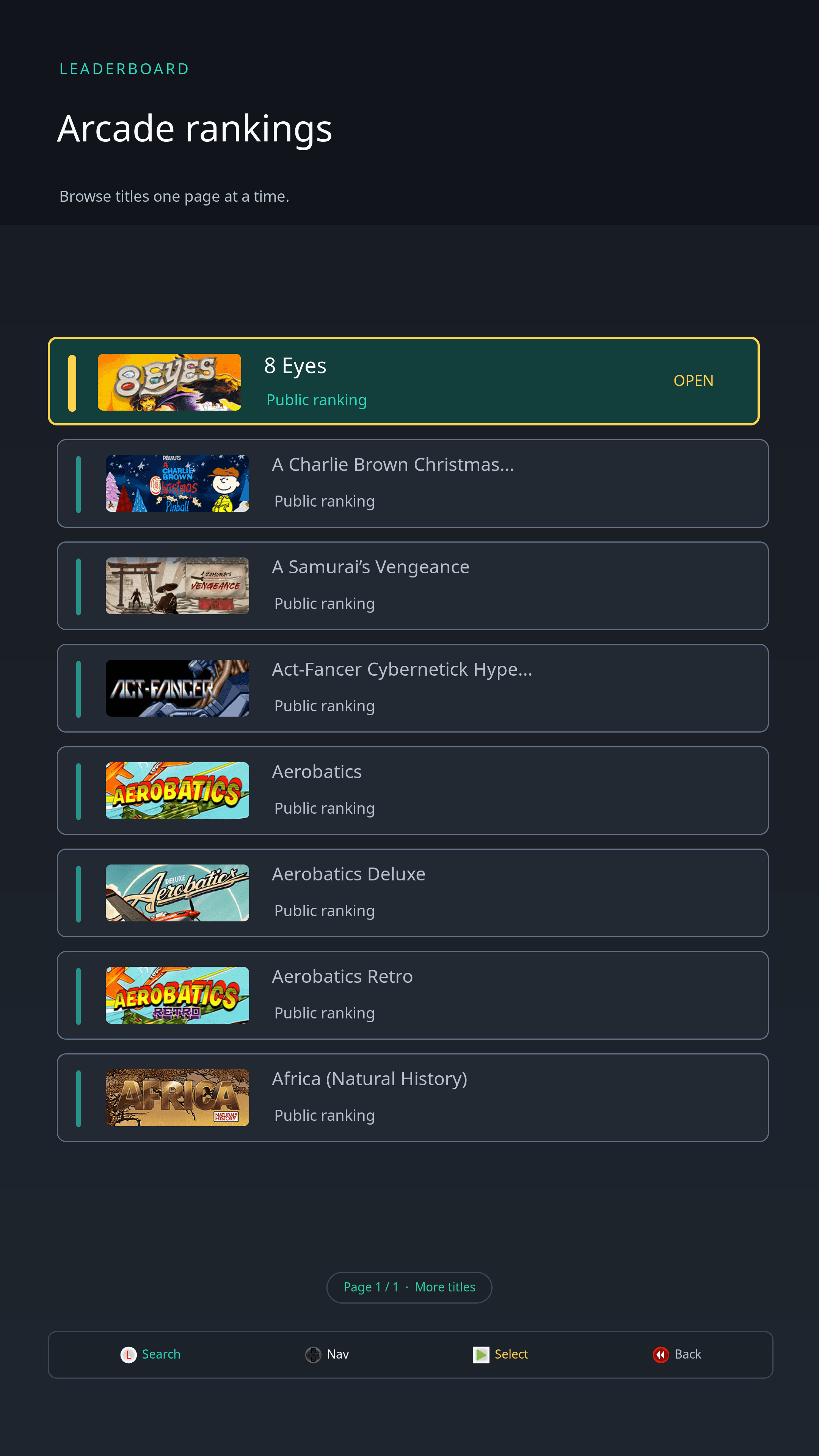
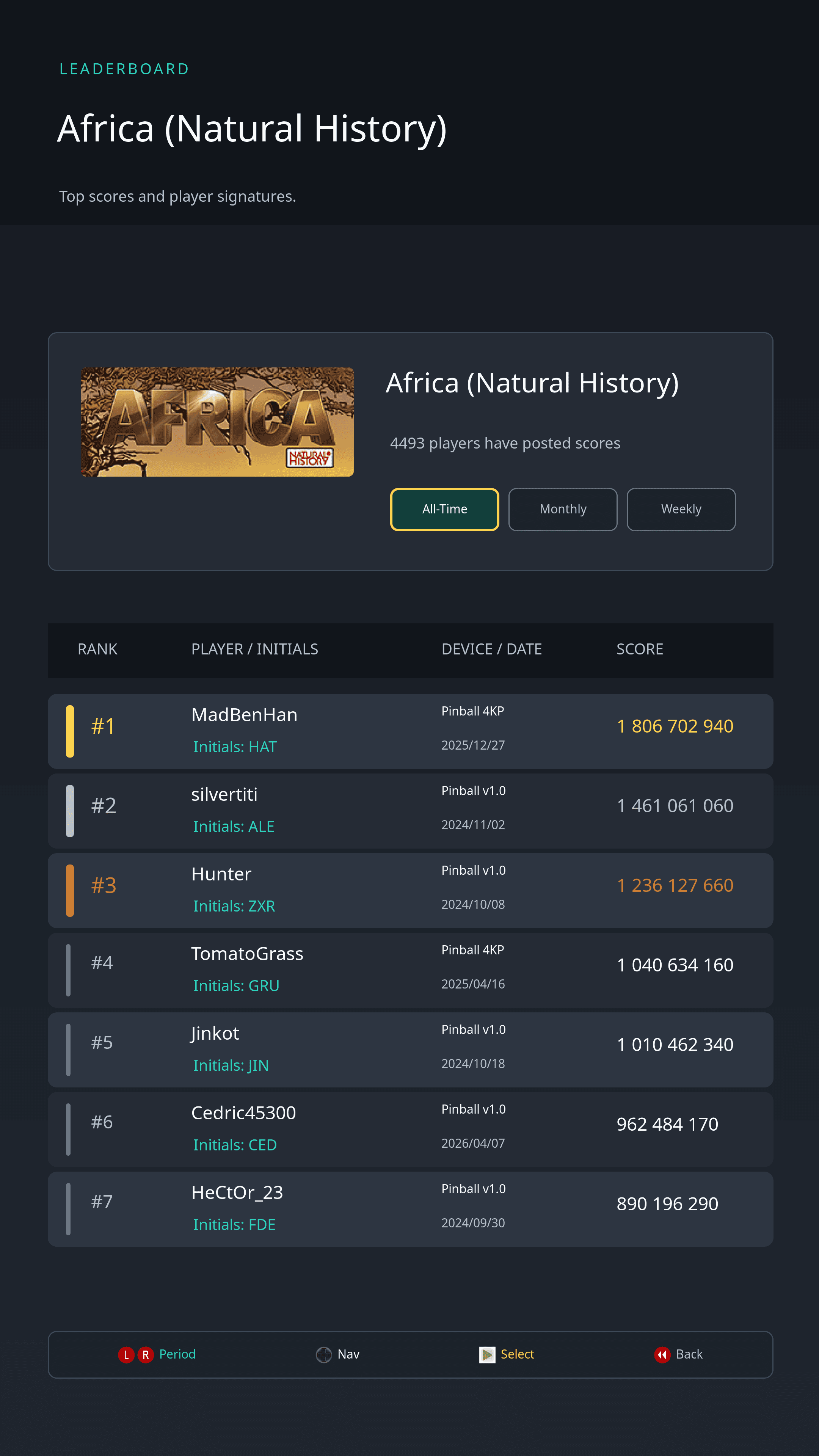
- Global Leaderboards: Browse ArcadeNet rankings across supported games and available time ranges.
- Tournaments: Explore featured tournament events and review overall or per-game standings.
- Private Tournaments: Create invitation-only competitions, join friends with a code, and follow member-only standings.
- My Scores: Review your personal scores and ranking history.
Private Tournaments
Create a private tournament around one, two, or three supported leaderboard games. Choose its name, description, start time, duration, and games, then share the generated invitation code with the people you want to challenge.
Members can open a tournament's details to view its overall and per-game standings or share its invitation code. You can participate in up to three active or upcoming private tournaments at a time, including one tournament you created. The tournament creator can end an active competition early.
Also available on the AtGames website
Private Tournaments are tied to your AtGames account. You can create, join, and follow them from Legends Access or from the Private Tournaments section of the AtGames website. Learn more about Private Tournaments.
My Account
View your Legends ID, registered devices, and purchased licenses. For eligible devices, you can also enable or disable beta firmware enrollment directly from Legends Access. Enrollment changes apply the next time the device checks for a firmware update.
AppStoreX™
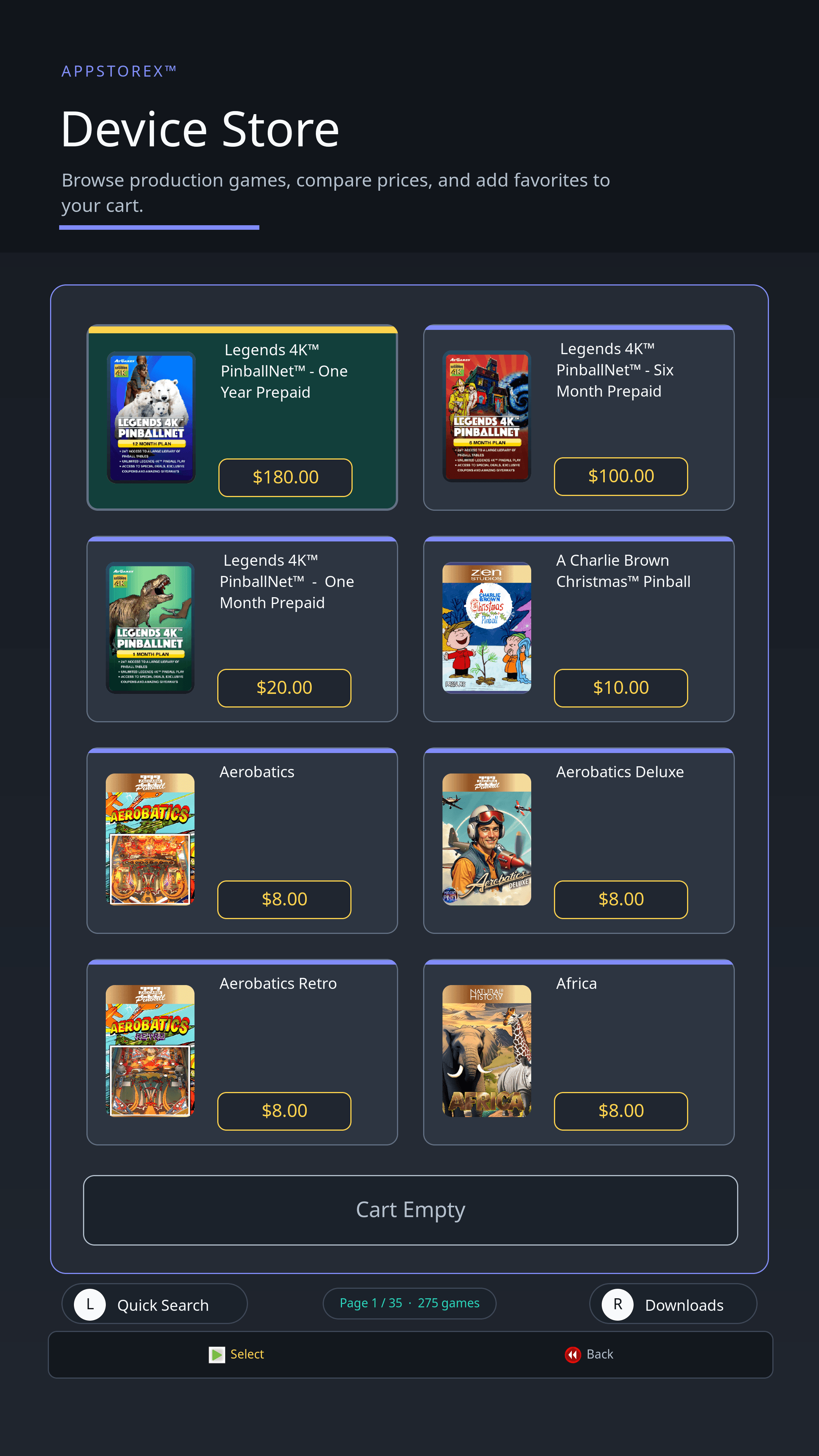
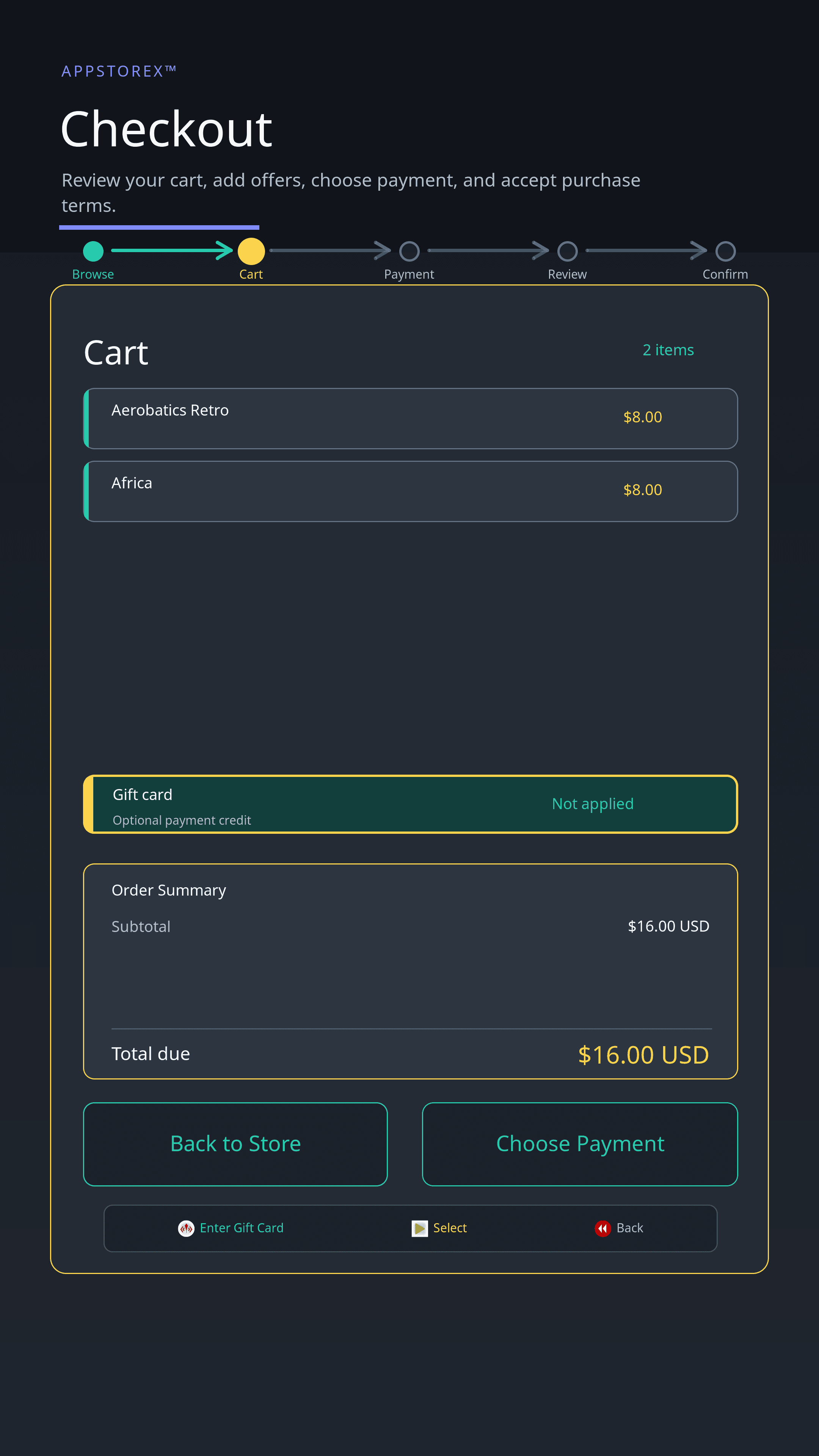
Browse games, applications, subscriptions, and offers directly from your device. Add multiple items to your cart and complete them in one transaction.
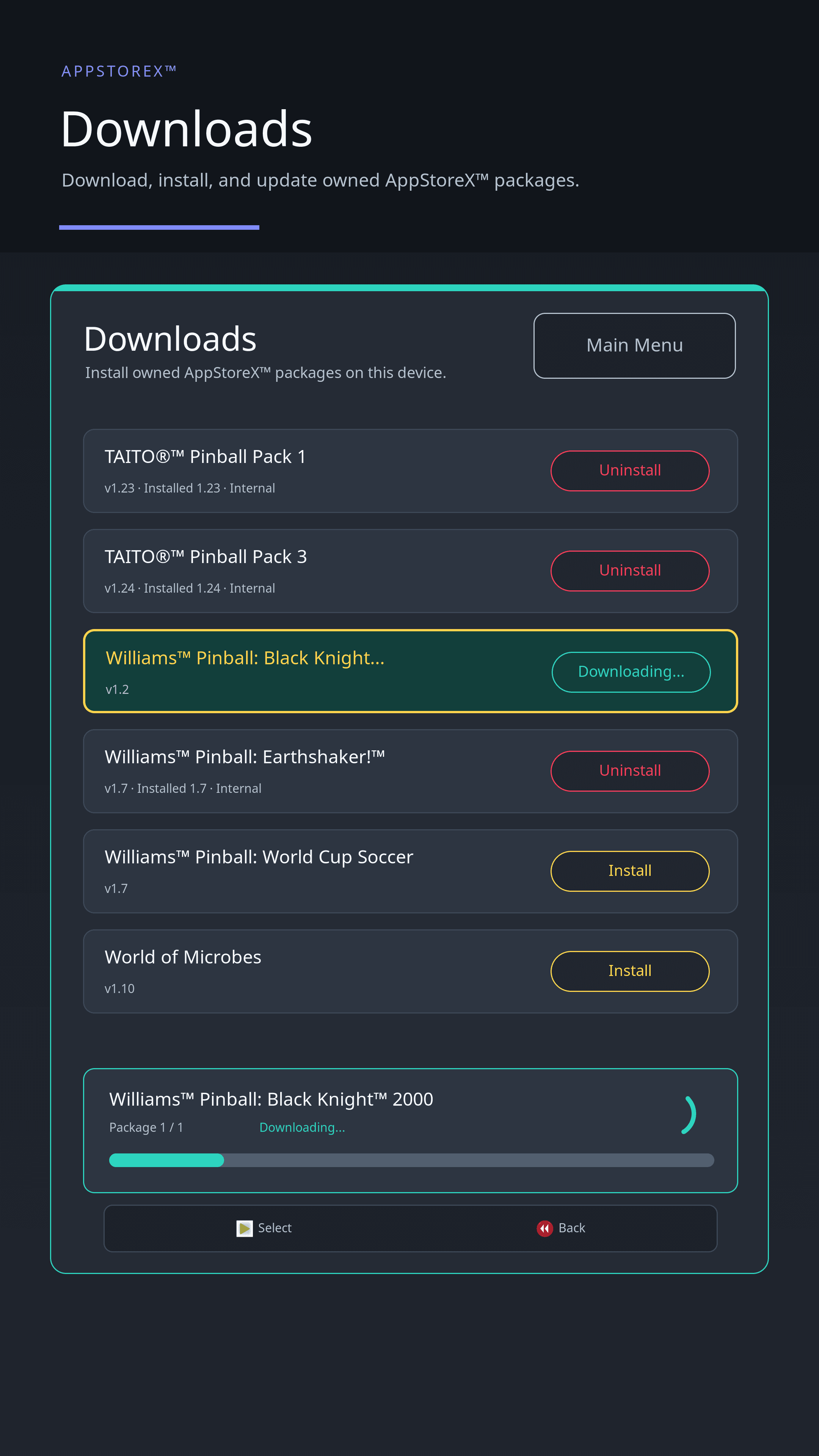
The separate Downloads section lets you install purchases, download updates, uninstall titles, and reinstall content that remains linked to your account.
Installations run one at a time. After an installation or uninstallation, Legends Access prompts you to reboot when the arcade menu needs to refresh its cached library.
Use AppStoreX™ gift cards
Apply a gift card during checkout to purchase games and applications. If it does not cover the full order, the remaining amount can be paid by credit card. You can also check the available balance from the separate Gift Card Balance menu. Learn more about AppStoreX™ gift cards.
Messages
Messages brings together notifications and offers selected for your device. The list indicates which messages have already been read and identifies time-limited or promotional offers.
Open a message to review its complete details. When an offer is eligible for your account and device, Legends Access guides you through the available activation steps without leaving the app. Depending on the offer, you may need to select a plan, confirm the terms, or provide payment information before activation.
Settings
Switch between light and dark display modes. The preference is saved on the device for future Legends Access sessions.